Dynamic-GUI

A browser dashboard and schematic canvas that wraps your simulation engine— not a solver locked to one vendor. Connect inputs, run locally, and plot results from Python, GoldSim Player, or other engines you already trust.

Use it to publish a presentation layer for engineering models: define controls, wire a canvas layout, and drive runs on your machine with zero cloud queue delays.

One UI layer, many engines

Dynamic-GUI is not a GoldSim product. GoldSim is one supported engine among others. The same pattern—local companion agent plus browser workspace—works for a simple Python script or a full Player-hosted GoldSim model.

Python engines

Point the local agent at a script (for example simulation_engine.py). Adjust inputs in the browser, run on your PC, and plot returned time histories.

GoldSim / Player

Launch web-enabled GoldSim demos with the official Player on your machine. Download model packages, run setup, and interact through Dynamic-GUI dashboards.

Your own solvers

Bring any local process the companion agent can start. Use the workspace to design controls, schematics, and charts around the engine you already maintain.

Python simulation demo

Start here if you want the simplest path—no GoldSim install required. A mock hydrology engine runs in Python on your machine while Dynamic-GUI provides the dashboard.

Dynamic-GUI Python simulation demo
Python only

Local Python wrapper demo

Companion agent + simulation_engine.py

Download the package, start python local_agent.py, then open the browser demo. Change inputs such as storage capacity or recession constant and run— results plot from the local engine response.

  • Requires Python on your machine (no GoldSim Player)
  • Local agent bridges the browser to simulation_engine.py
  • Sign in to download the starter package
GoldSim examples

These web-enabled GoldSim models run on your PC with GoldSim Player 15 and a Dynamic-GUI dashboard. Download a package, install Player and 64-bit Python 3.14, then run py -3.14 local_agent.py from the unzipped folder. The in-app Setup wizard walks you through the rest.

Client-side execution

GoldSim models run on your PC using official GoldSim Player—download packages below, complete setup, and execute locally with no cloud queue.

Package downloads require an account — sign in.

Integrated Water Resources Model Example

Integrated Water Resources Model Example

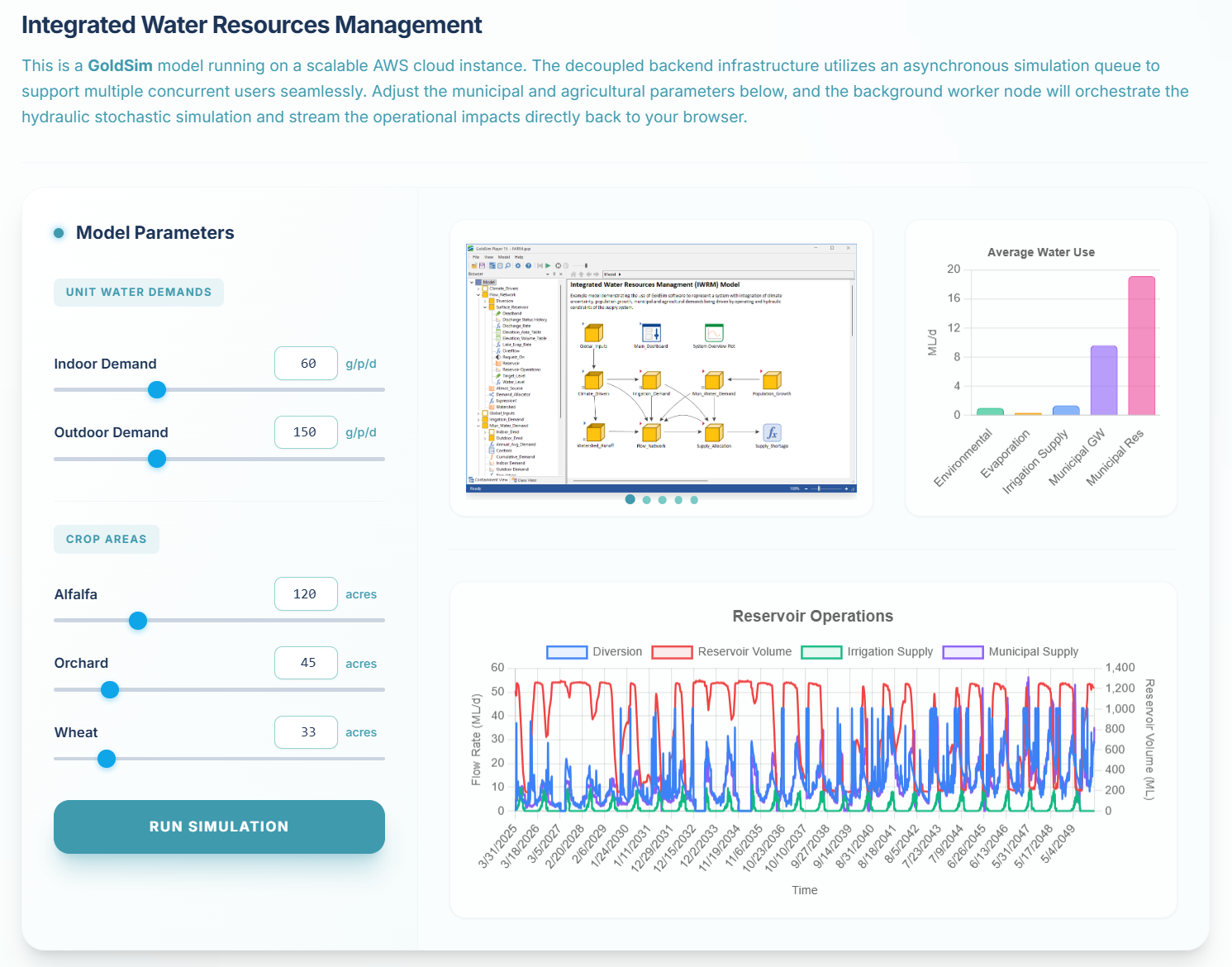
This model represents a regional water supply system that integrates stochastic climate drivers, a complex system network, and detailed operational rules. It is designed to demonstrate how uncertain inputs propagate through the system to produce probabilistic time-history outputs, which are essential for risk-informed decision-making in water resources management.

Interact with this model by adjusting the municipal demands and crop areas to see the impact on water deliveries and source reservoir levels over time.

Probabilistic Snowmelt Runoff
Under Construction

Probabilistic Snowmelt Runoff

Watershed + WGEN climate

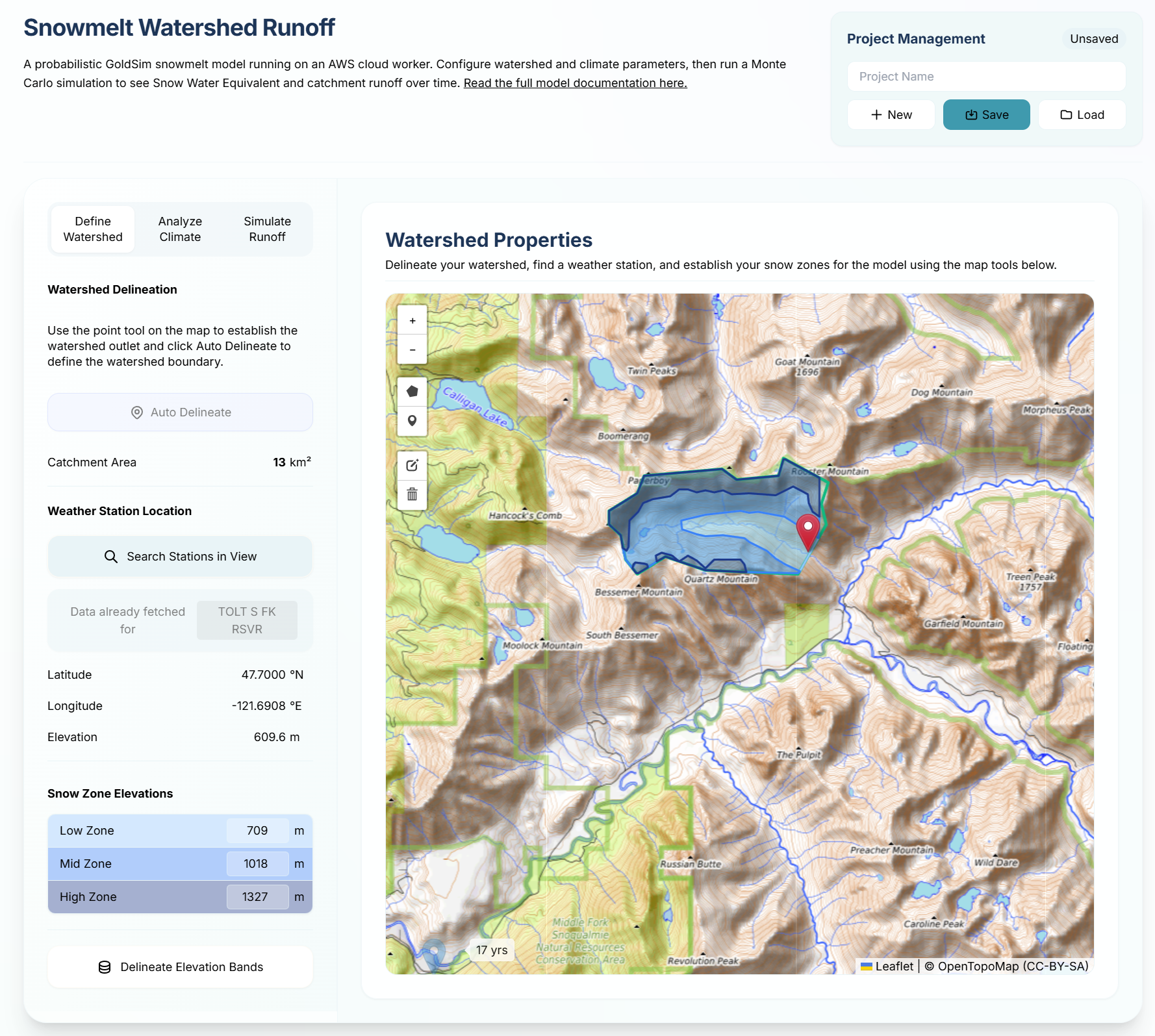
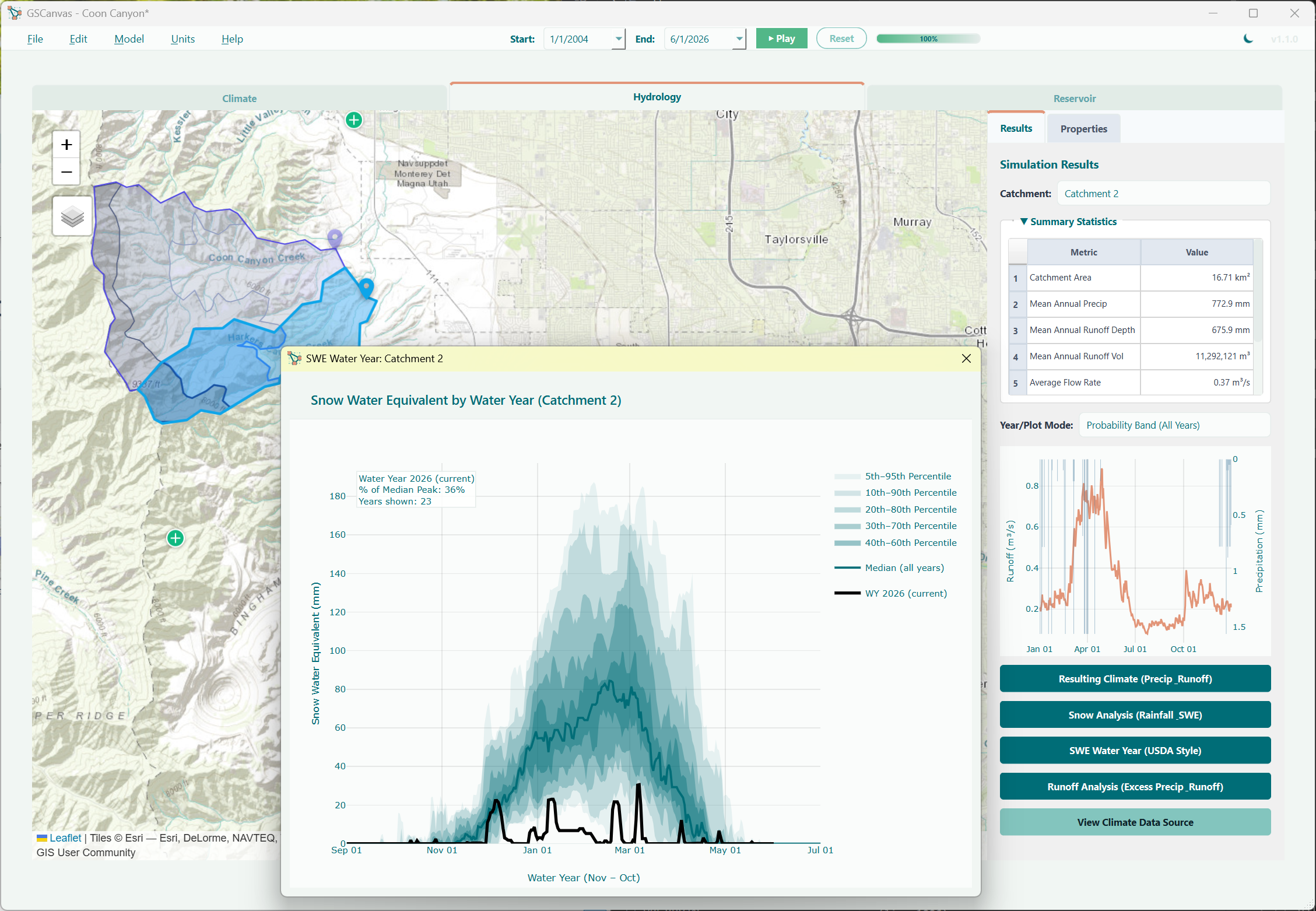
Define watershed, click the map to auto-delineate elevation bands, retrieve daily GHCN climate statistics, and simulate daily snowpack accumulation and AWBM runoff in a Python Monte Carlo engine.

Under Construction
B-SOAR Repository Performance

B-SOAR Repository Performance

Deep geologic repository (DGR)

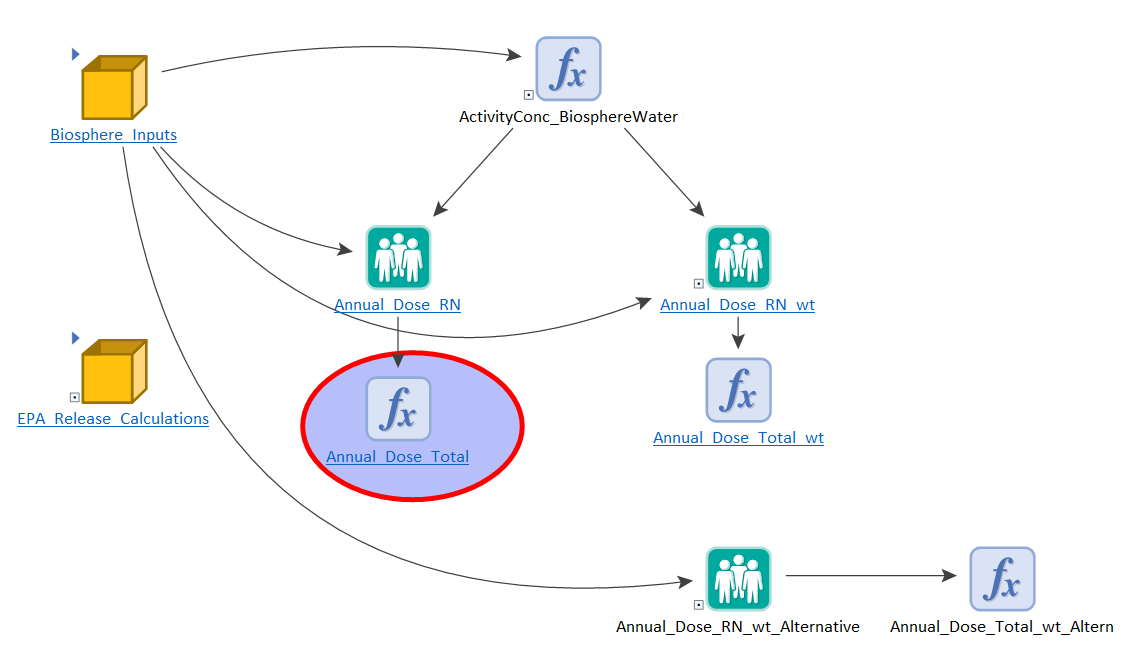
Browser front-end for the probabilistic B-SOAR GoldSim model used in spent nuclear fuel and high-level waste performance assessment. Features interactive input panels, scenario management, and multi-scenario comparison charts.

Build your own workspace

Open the Dynamic-GUI workspace to create blank models, save projects, and iterate on dashboards for the engines you use.

Sign in to open workspace